01 — MONITOR
See your connection
Keep internet reachability, your public IP and your AnywhereLAN address close at hand. Automatic checks run on a 60-second cycle, with a manual check when you need one.
Meet AwlMon — a focused Windows companion for your AnywhereLAN network. Monitor connectivity, manage the daemon and open your local network dashboard from one refined workspace.

AwlMon brings the everyday operations of your AnywhereLAN setup into one deliberate desktop experience — clear status, direct controls and the local web console.
Keep internet reachability, your public IP and your AnywhereLAN address close at hand. Automatic checks run on a 60-second cycle, with a manual check when you need one.
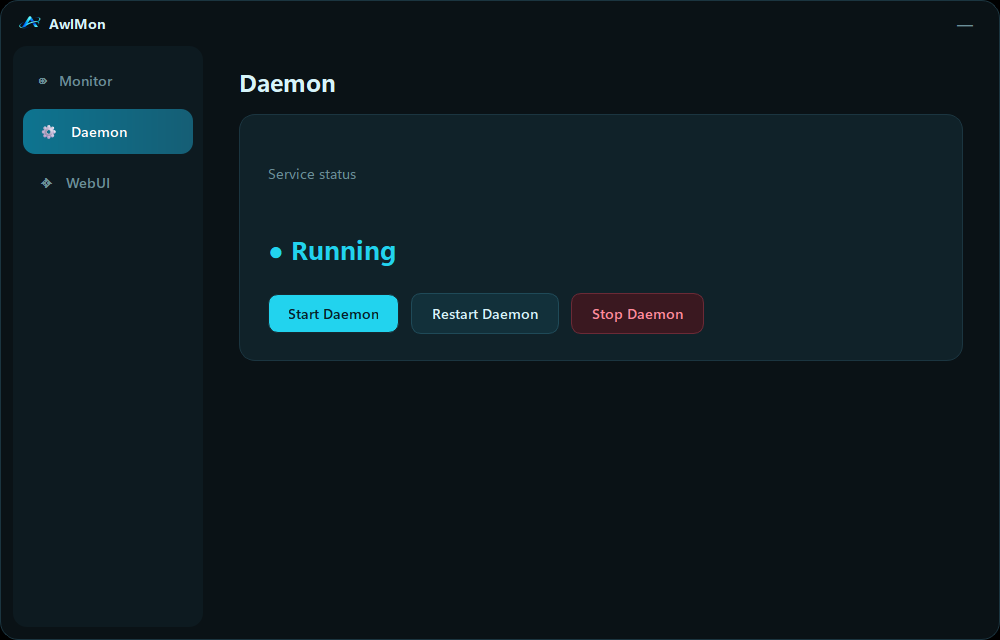
Install the Windows desktop component, follow the setup stages and control the awl-tray process with clear start, restart and stop actions.
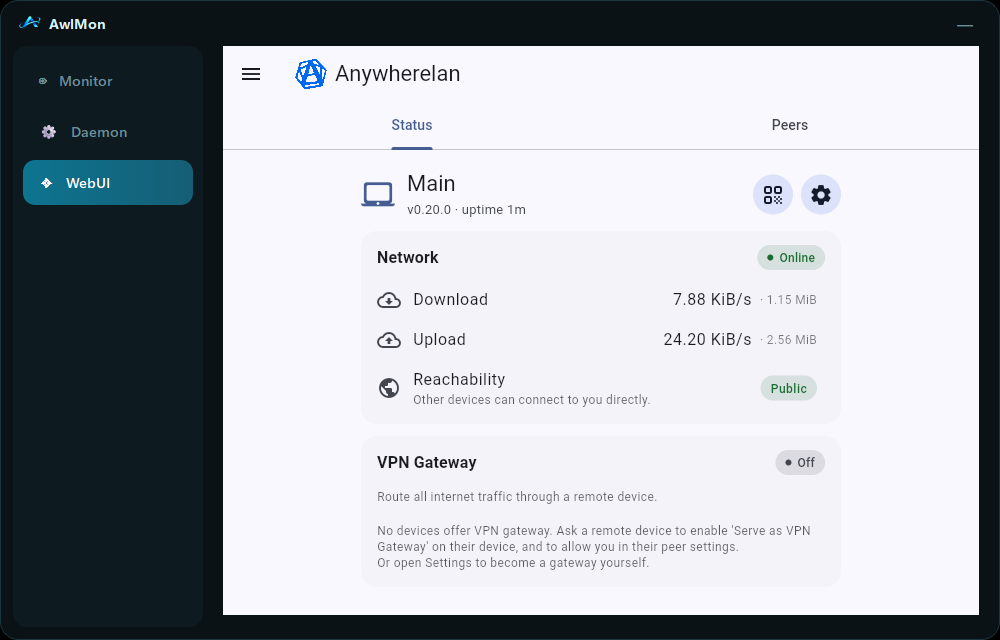
Access the AnywhereLAN web interface inside AwlMon when the local endpoint is available — without juggling separate browser windows.
AwlMon is shaped around the actions you take most: checking connectivity, confirming your mesh address, bringing the desktop node online and opening its local management UI.
AnywhereLAN connects trusted devices through a peer-to-peer mesh. AwlMon is the Windows companion that makes the local experience easier to operate.
On Windows, AnywhereLAN uses a Wintun-based virtual adapter. IP packets sent into the interface are carried across the peer-to-peer networking layer.
Devices announce themselves through the libp2p distributed hash table, using bootstrap peers to join the discovery network.
NAT traversal attempts to establish direct peer connections. If network conditions prevent that, encrypted traffic can pass through community circuit relays.
Every peer has an Ed25519 keypair. Its peer identity is derived from its public key, and devices must explicitly trust one another.
A compact desktop shell for operational control, with the AnywhereLAN dashboard available right where you need it.
Install AwlMon on Windows and keep the essential AnywhereLAN controls within reach. The installer is hosted on MEGA.